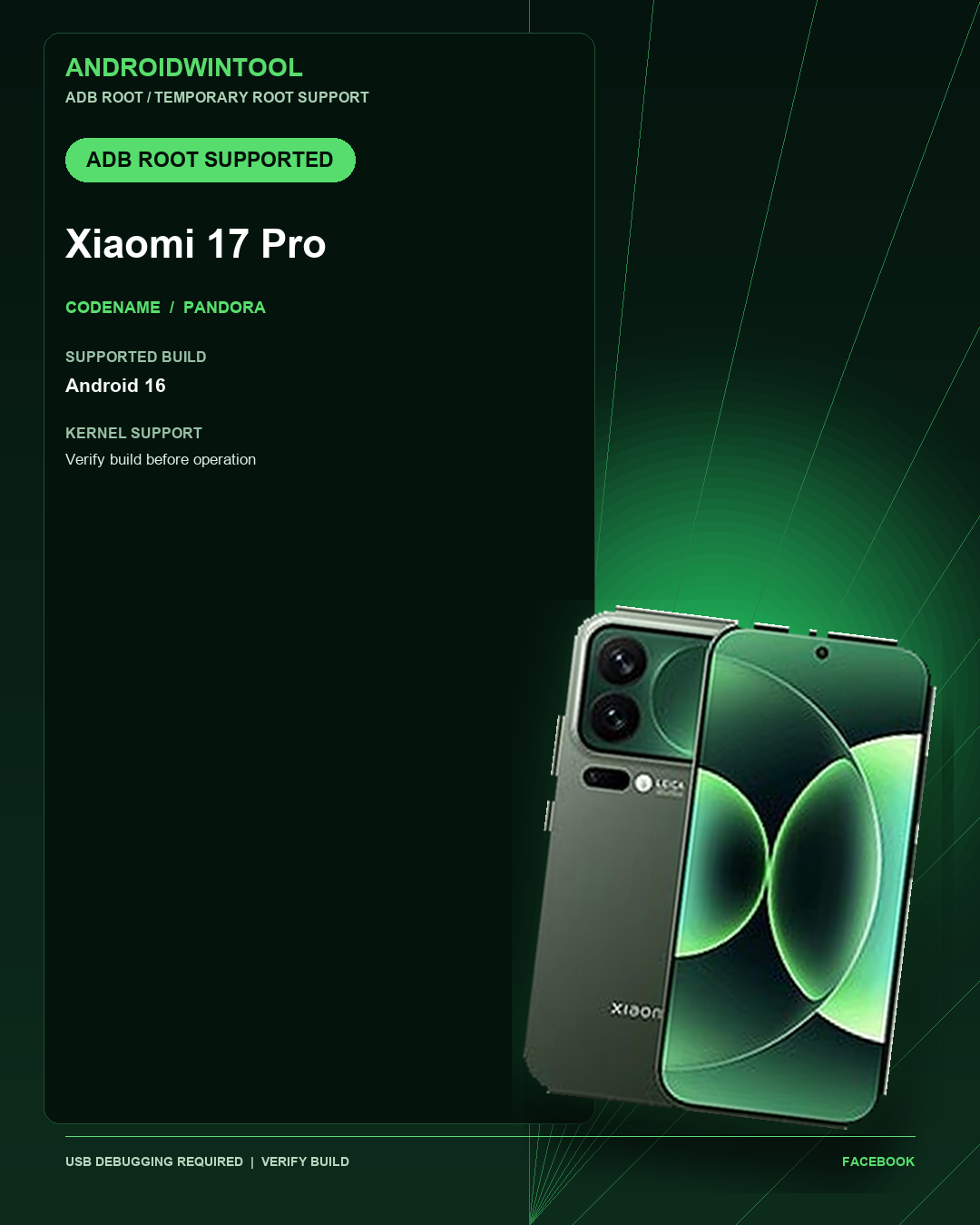
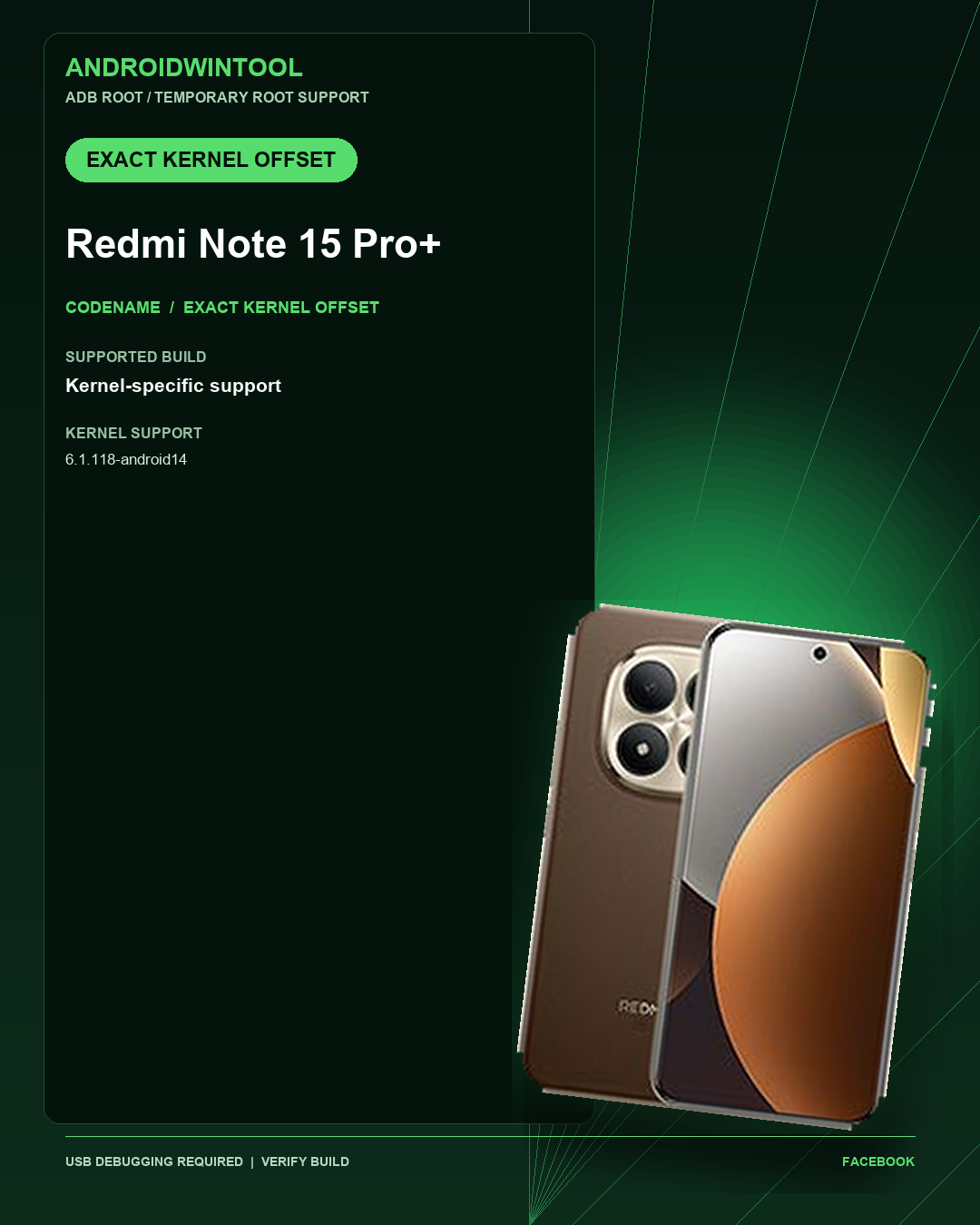
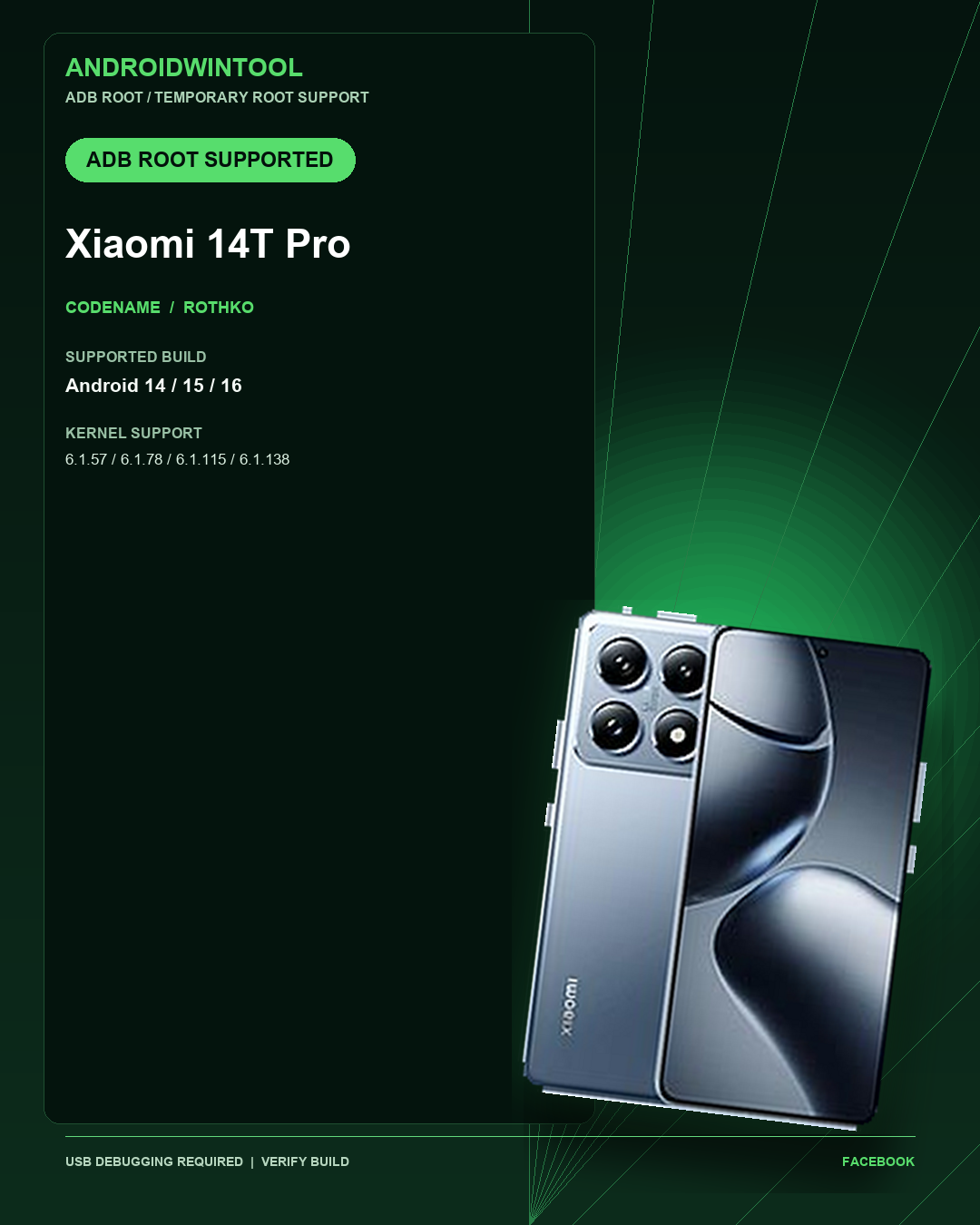
Xiaomi 15 Alternative Payload Support: Supported Android and Kernel Builds
Check AndroidWinTool Alternative Payload Support compatibility for Xiaomi 15 (dada), including supported Android versions, kernel builds, requirements, and verification notes.
AndroidWinTool lists Xiaomi 15 with Alternative Payload Support for the builds shown below. This page is a compatibility record for professional technicians, not a universal procedure guide.
Use only on devices you own or are authorized to service. Back up customer data before any servicing operation and follow applicable local laws.
Device Profile
| Model | Xiaomi 15 |
|---|---|
| Codename | dada |
| Support Type | Alternative Payload Support |
| Status | Compatibility record |
| Last Verified | 18 Sep 2026 |
Supported Android Builds
The current support record does not list a specific Android version. Verify the exact device build with AndroidWinTool support before starting.
Supported Kernel Builds
The current support record does not list a specific kernel build. Verify the exact device build with AndroidWinTool support before starting.
Requirements Before You Start
- Enable USB Debugging on the target device.
- Use the latest published AndroidWinTool build from the Download page.
- Confirm the exact model, codename, Android version, and kernel build before selecting an operation.
- Keep a stable USB connection and install the required device drivers.
How to Verify the Kernel Build
Check the device build in Android settings, or use the following ADB command after USB Debugging is authorized:
adb shell uname -rThe returned kernel must match one of the supported values on this page. An OTA update can change the kernel even when the model name remains the same.
Compatibility Notes
- Support is build-specific. Do not assume a different Android patch or kernel is compatible.
- When a kernel is not listed, stop and confirm compatibility before continuing.
- This record uses an alternative payload. Follow the matching application prompt and verify the exact target before continuing.
Frequently Asked Questions
Does the model name alone confirm support?
No. Confirm the codename, Android version, and kernel build before starting.
Can I use a newer OTA build?
Only if its kernel build is explicitly listed or the current AndroidWinTool release confirms support.
Where can I check current operations for this model?
Use the Supported Models page and the current application build for the latest operation availability.
Next Steps
Review the current compatibility list, download the latest AndroidWinTool release, and verify the build before beginning any service work.