AndroidWinTool Guides
09 Apr 2026
ADB Virus and Unwanted App Removal Guide
ADB-based workflow for listing packages and instantly removing the app currently active on screen in AndroidWin Tool.
Device Information
- Market Name: Redmi Note 14 Pro
- Model: 24116RACCG
- Product: obsidian
- Android Version: 15
- Software: OS2.0.211.0.VOFMIXM
Prerequisites
- AndroidWin Tool v2.0.0.
- ADB Debugging enabled on the device.
- Device authorized for the computer.
Steps
Step 1: Initialization
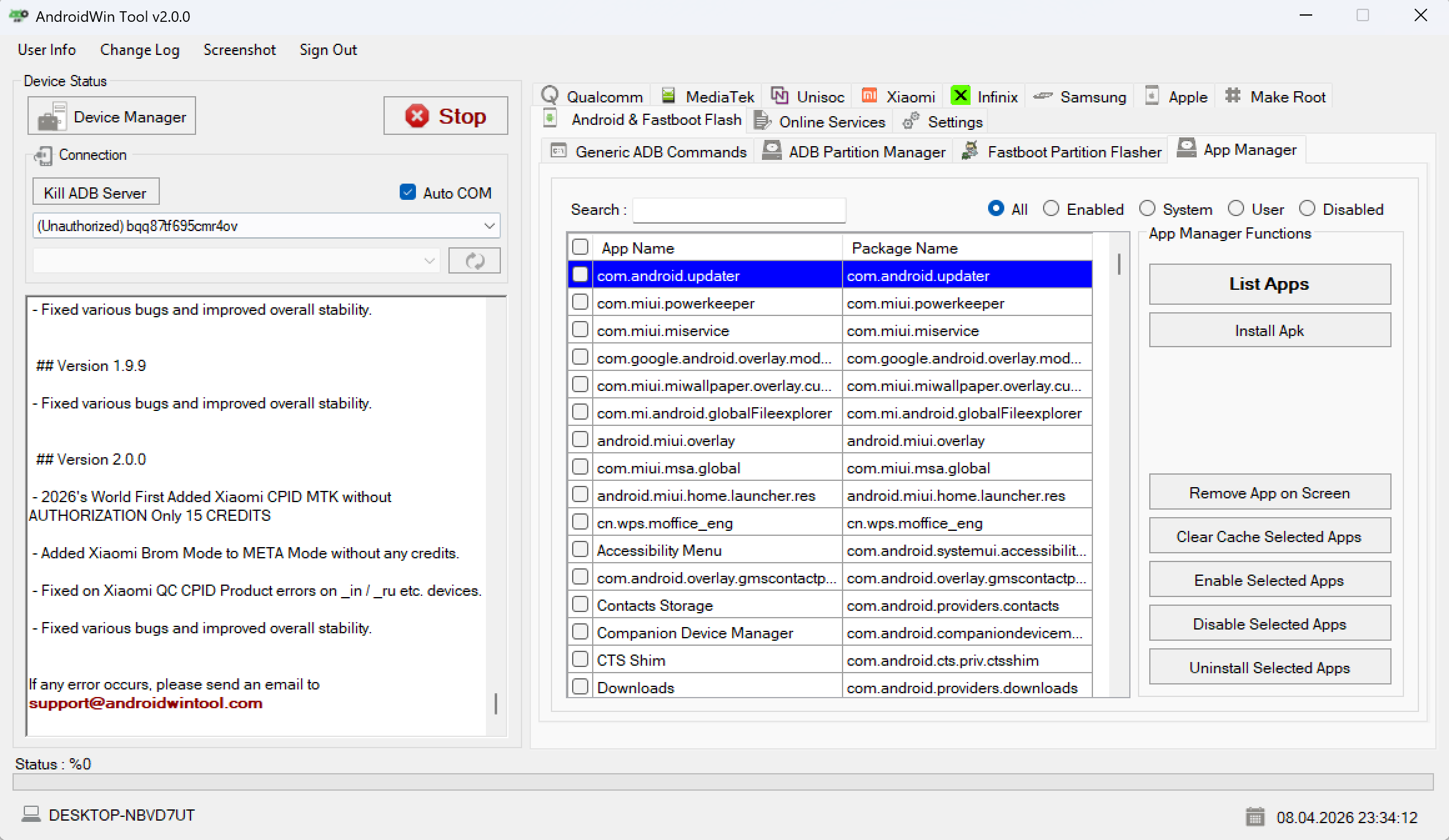
Open AndroidWin Tool and go to the App Manager tab. Ensure your device is connected and detected under the connection panel.
Step 2: Listing Installed Applications
Click the List Apps button. This will populate the table with app name and package name values.
- Translate: Listele -> List Apps
Step 3: Removing the Active Virus App
If an unwanted app or virus popup is currently active on your device screen:
- Keep the app open on the phone.
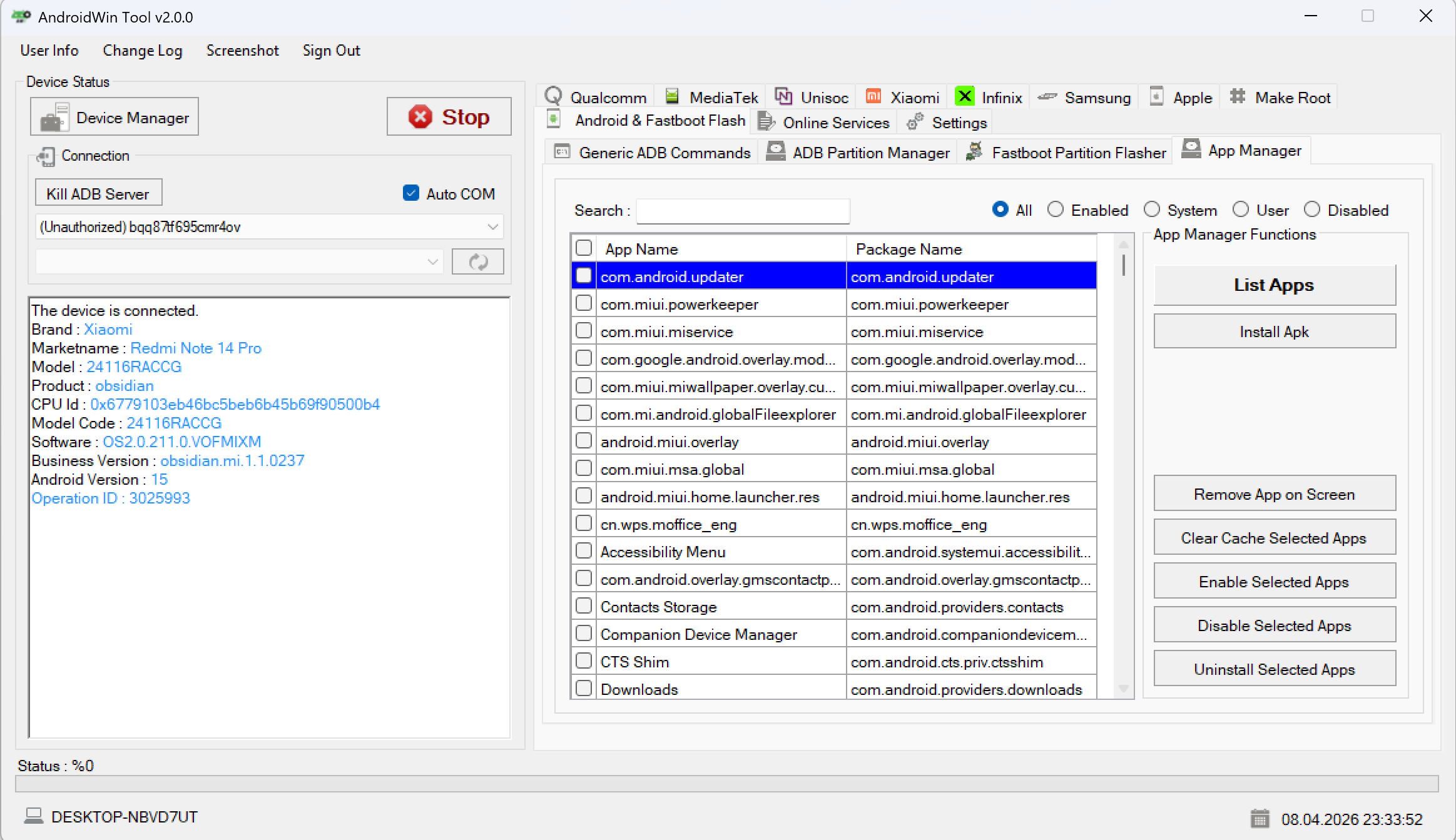
- Click Remove App on Screen in the tool.
- The tool will identify the foreground package name and remove it instantly.
- Log:
com.package.name removed. - Log:
Operation Success!
Note: This feature is effective for removing full-screen ads or malware that prevents normal uninstallation through settings.