AndroidWinTool Guides
09 Apr 2026
Xiaomi MTK Offline IMEI Repair (No CPID / No Server Required)
Offline MT6789 IMEI repair workflow for Redmi Note 14 Pro 4G (obsidian), including repair mode, backup prompts, patch cert, reboot, and final flash steps.
Target Device
- Brand: Xiaomi
- Model: Redmi Note 14 Pro 4G
- Model Number: 24116RACCG
- Code Name: obsidian
- Chipset: Mediatek Helio G100 Ultra (MT6789)
Legal Disclaimer
Changing or altering the IMEI of a mobile device is illegal in many countries. This tutorial is for educational and repair purposes only. Use it only to repair original legal IMEIs. The author assumes no responsibility for illegal activities or device damage.
Prerequisites
- ENG ROM downloaded and installed or flashed on the device.
- Stock Fastboot ROM: FACTORY-OBSIDIAN-25.2.13+.
- AndroidWinTool v2.0.0 license.
Workflow Steps
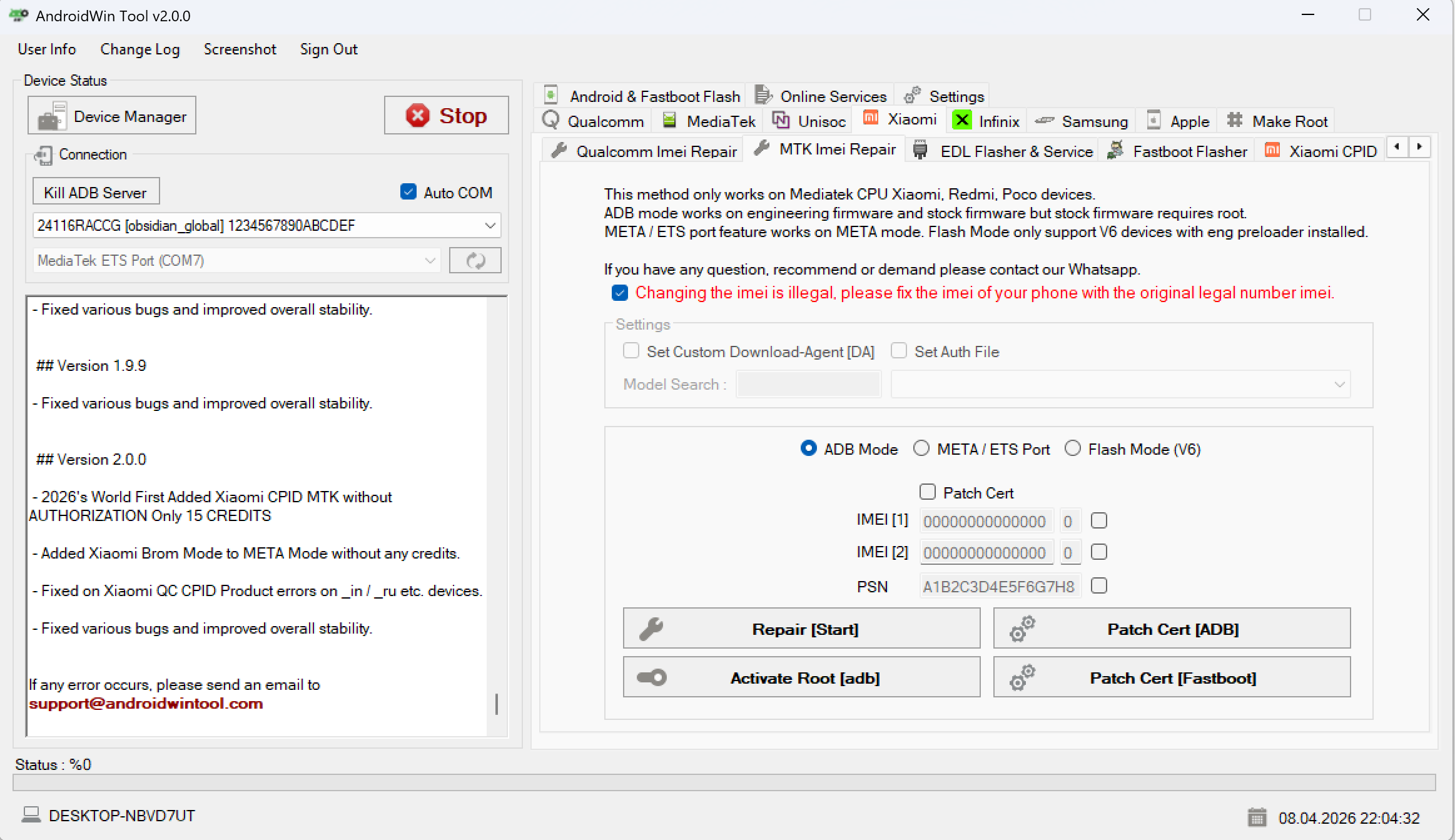
Step 1: Initialize Repair Mode
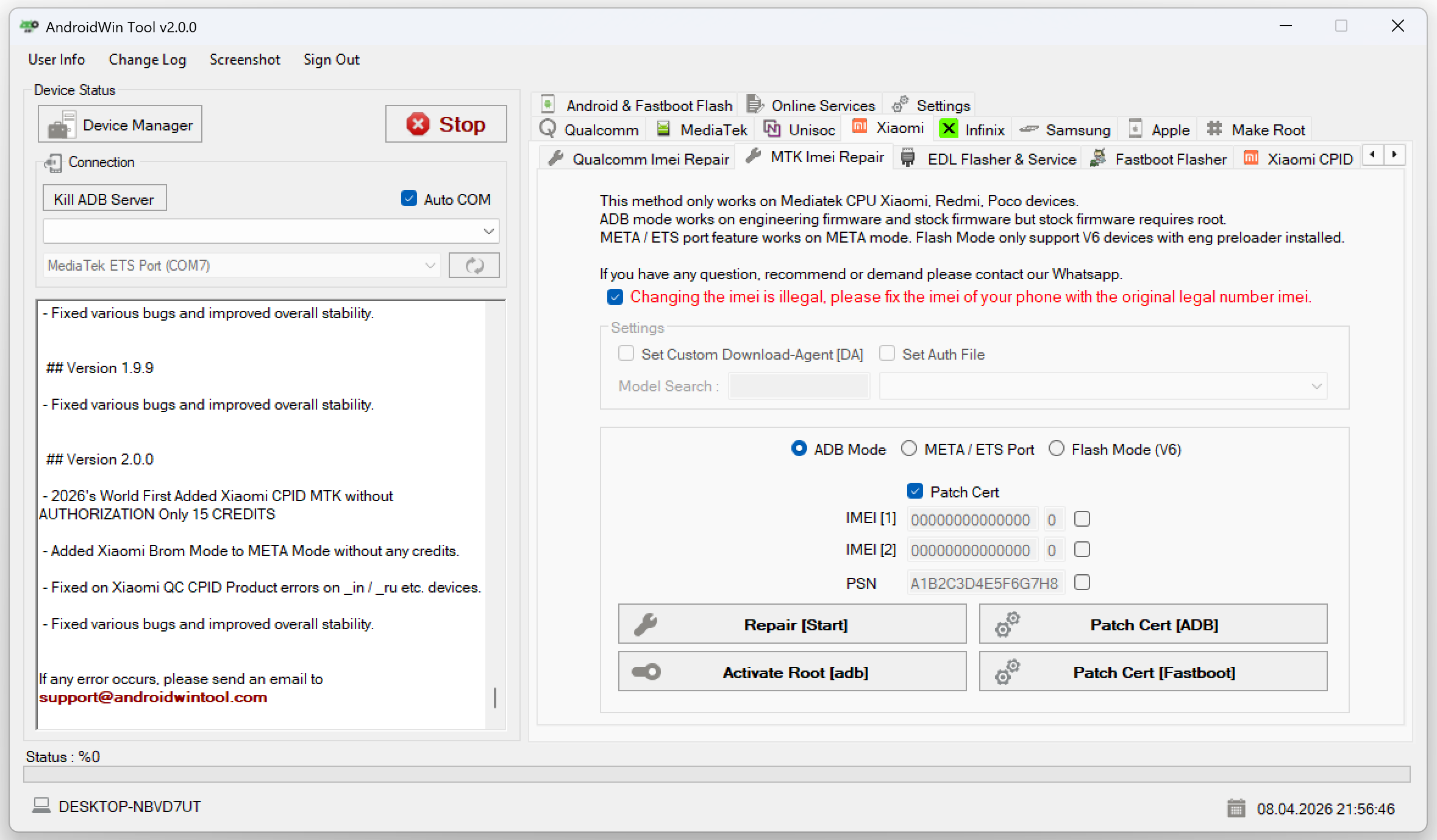
- Launch AndroidWinTool.
- Navigate to Xiaomi -> MTK Imei Repair.
- Set connection mode to ADB Mode.
- Enable Patch Cert.
- Enter original device IMEIs.
- Click Repair [Start].
Step 2: Confirm Special Method and Backup
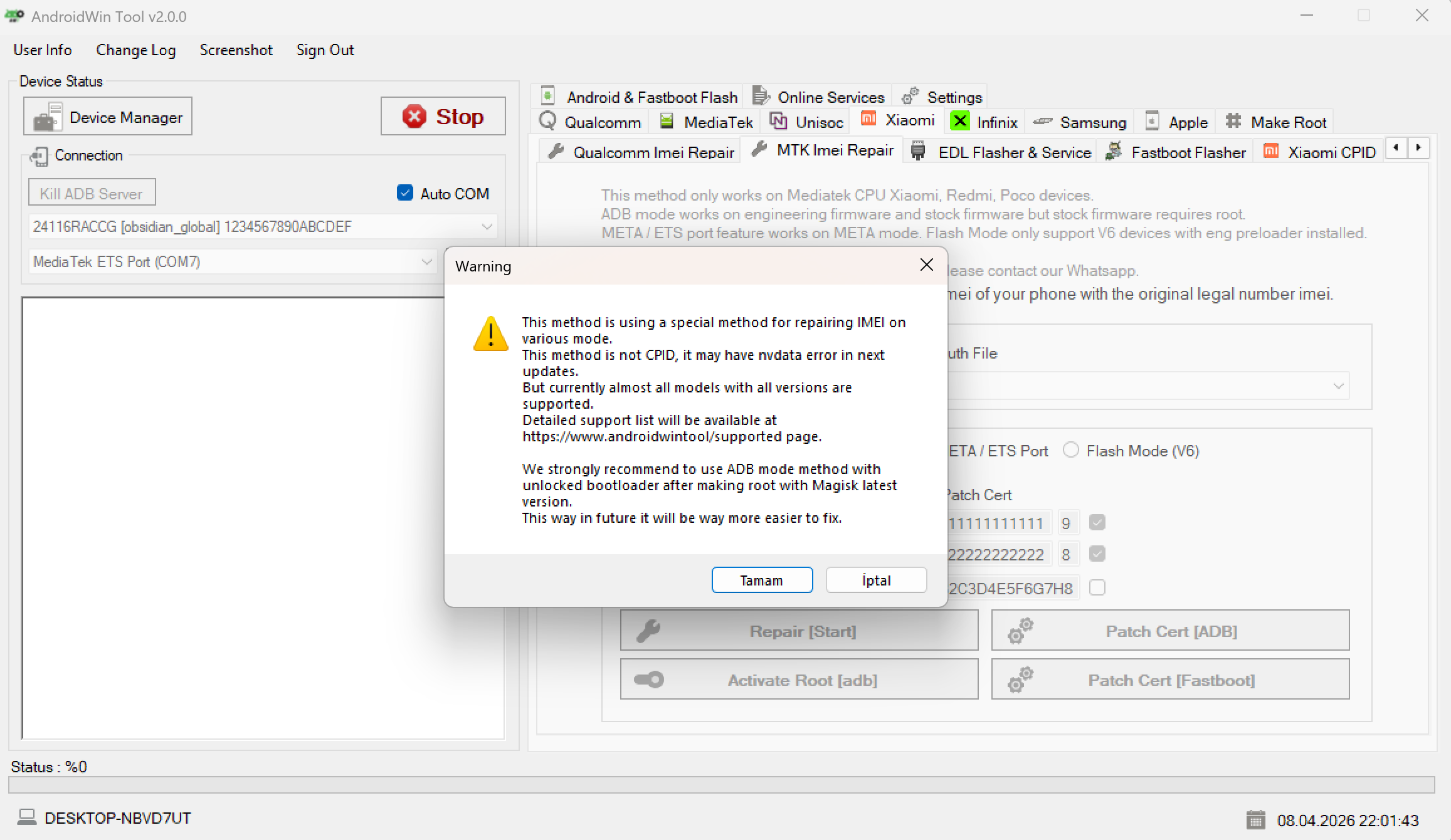
- Accept the special method warning by clicking Tamam / OK.
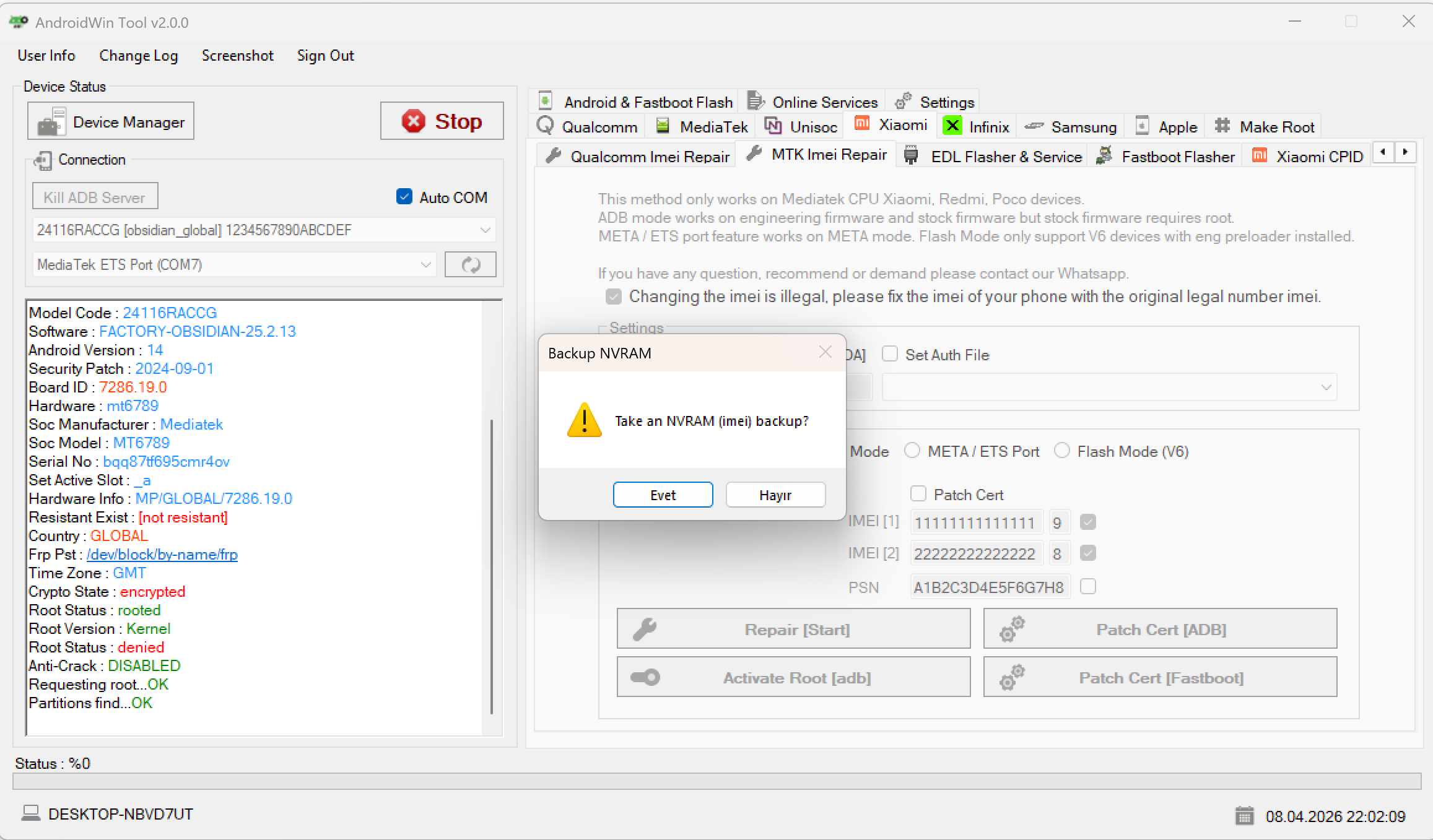
- Take the NVRAM backup when prompted by clicking Evet / Yes.
Step 3: Writing Data
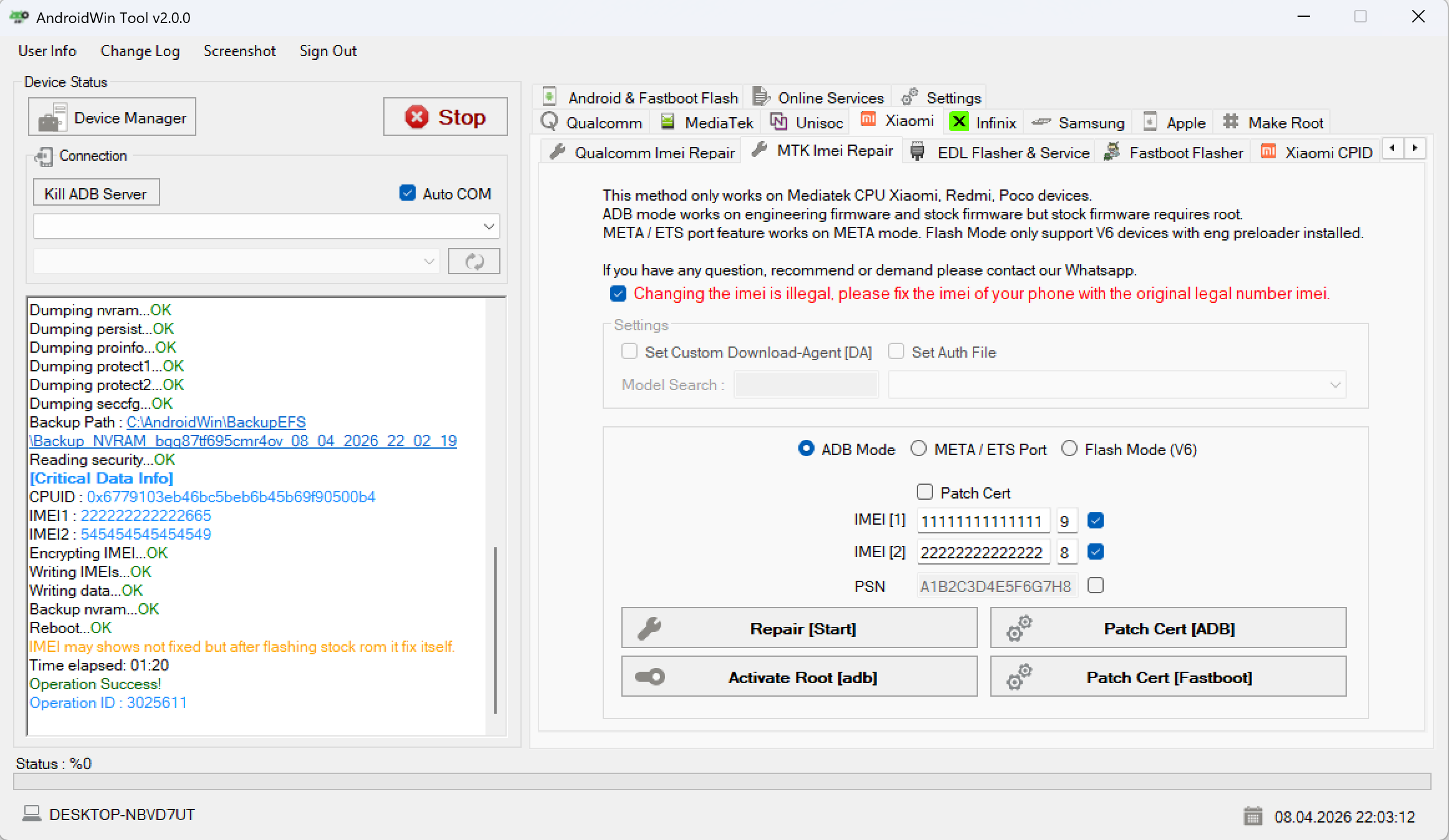
- Wait for partition dumping and data writing to complete.
- Verify the
Operation Success!message.
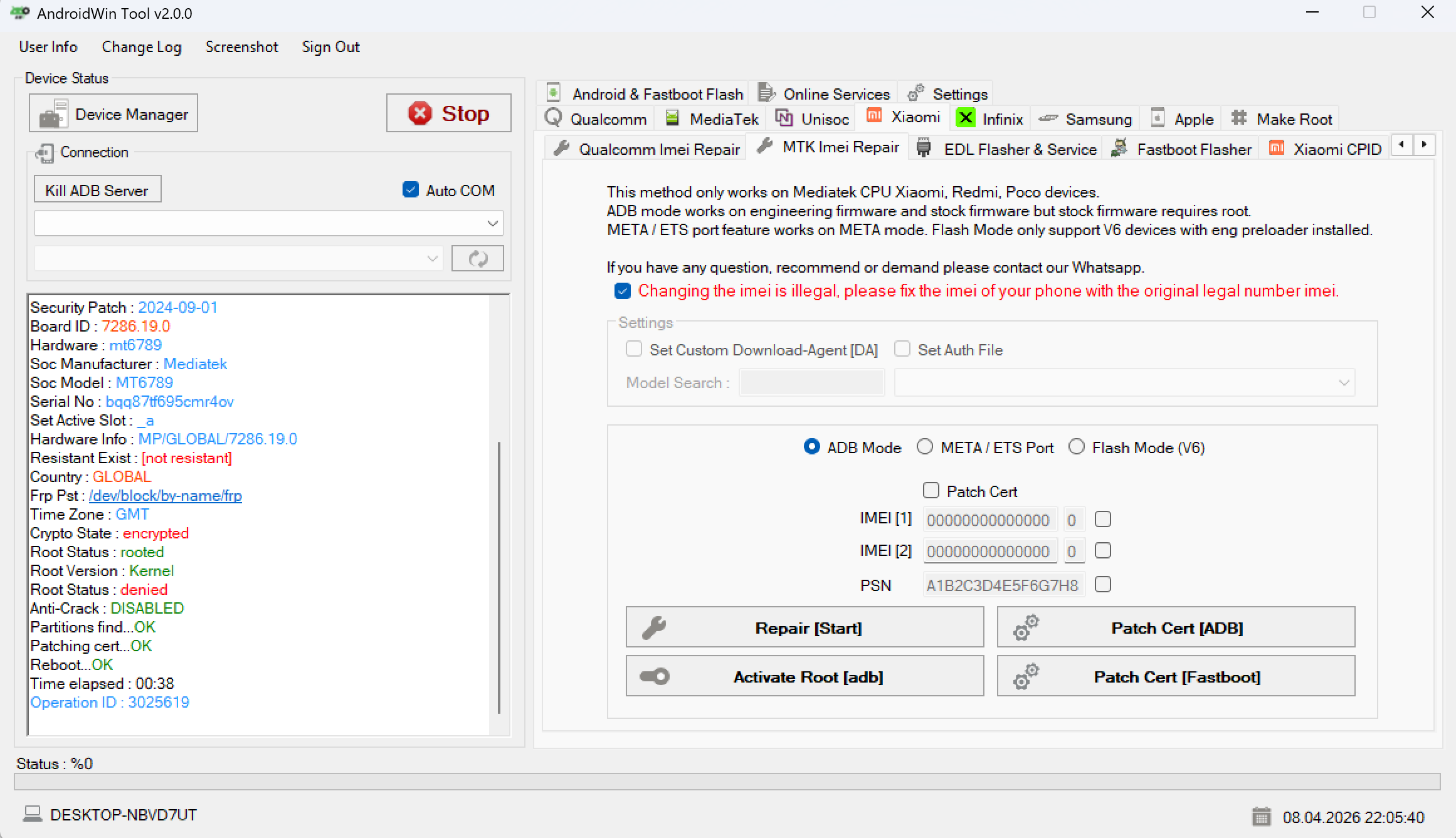
Step 4: Signal Integrity (Certificate Patching)
- Click Patch Cert [ADB].
- Verify
Patching cert... OKin the log.
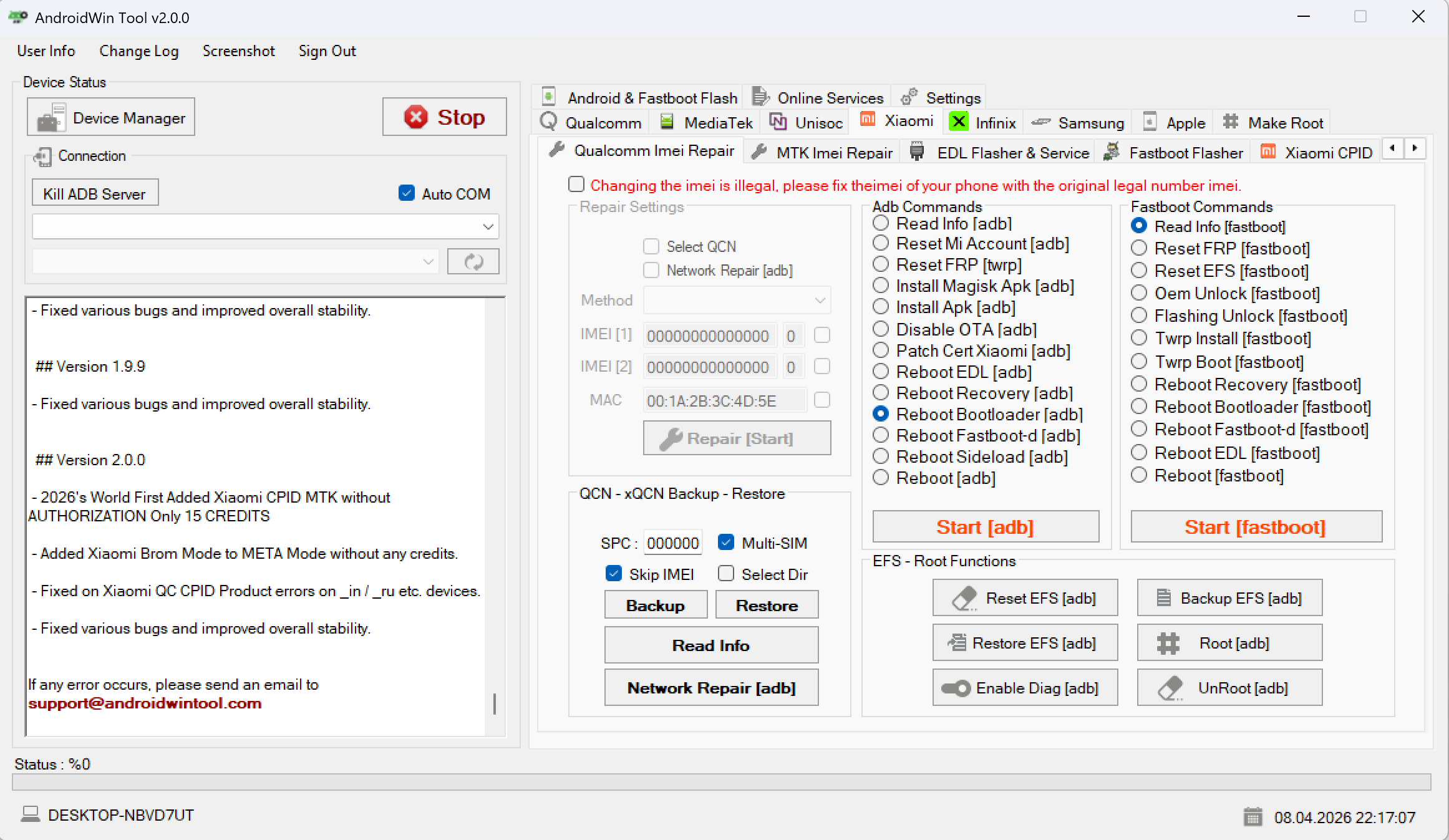
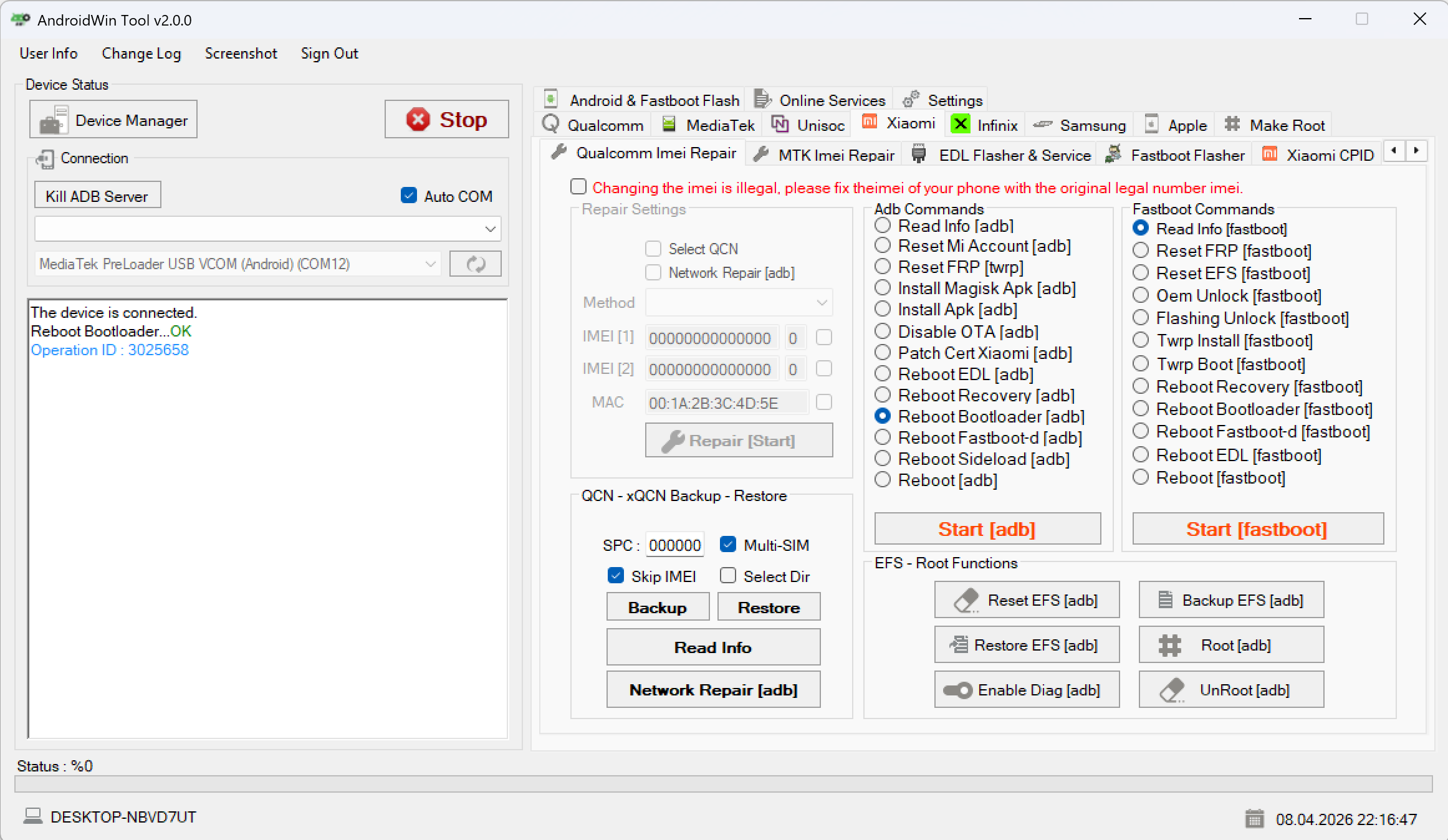
Step 5: Reboot to Bootloader
- Select Reboot Bootloader [adb].
- Click Start [adb].
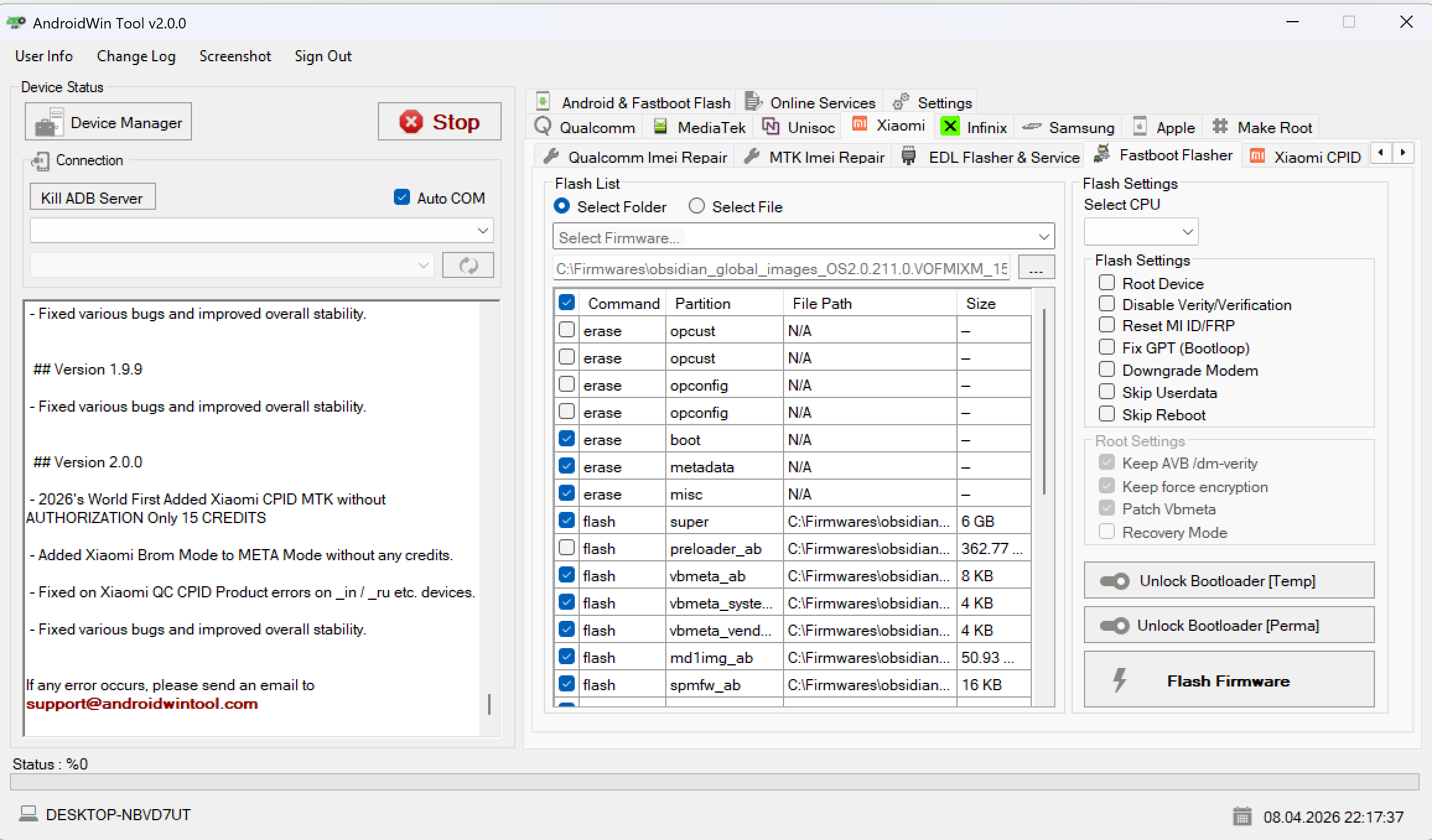
Step 6: Final Flash Procedure
- Switch to the Fastboot Flasher tab.
- Select the stock firmware folder.
- Click Flash Firmware.
FAQ
Will this work without unlocking the bootloader?
No. Offline MTK repair methods require an unlocked bootloader to write to protected partitions.
Is there any risk of NVData Corrupted?
The method minimizes risk, but you should always take the NVRAM backup when prompted.
Does this require CPID credits?
No. This is a dedicated offline method for the MT6789 chipset.